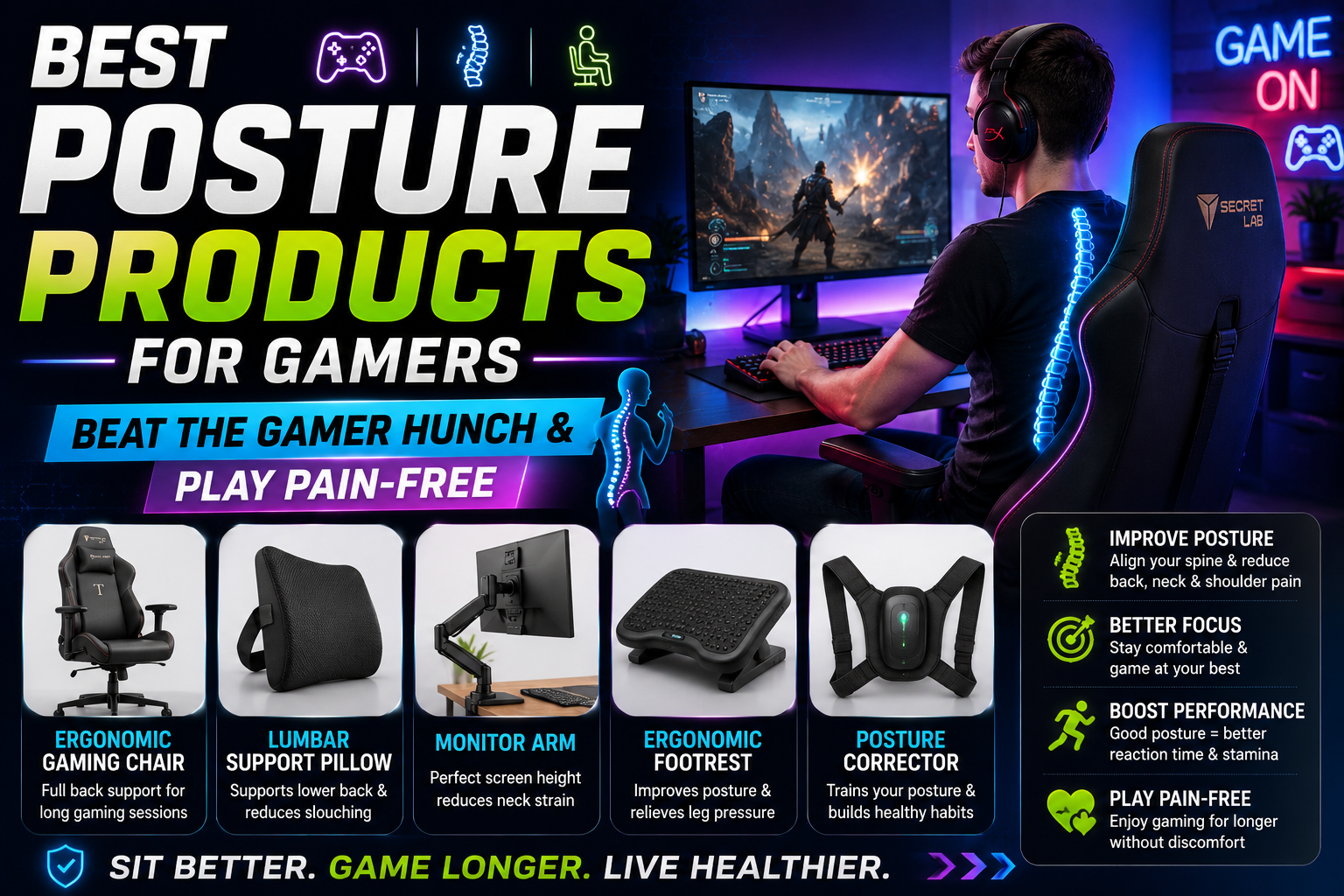
Gaming sessions are getting longer than ever.
Whether you’re grinding ranked matches, exploring open-world adventures, streaming on Twitch, or working remotely from the same setup you game on, chances are you’re spending countless hours sitting in front of a screen.
Unfortunately, many gamers unknowingly develop what healthcare professionals commonly call “Gamer Hunch” or “Tech Neck.” Over time, poor posture can lead to neck pain, back pain, shoulder tension, headaches, reduced mobility, and even long-term spinal issues.
The good news? The right posture products can dramatically improve your gaming setup and help prevent these problems before they become chronic.
From ergonomic gaming chairs and lumbar support cushions to monitor arms and posture correctors, today’s posture-enhancing products are specifically designed to support long gaming sessions while keeping your body aligned and comfortable.
In this guide, we’ll review the Best Posture Products for Gamers in 2026, helping you build a healthier gaming environment that supports better posture, greater comfort, and improved performance.
Why Gamers Develop Poor Posture
Table of Contents
Most posture issues begin with a few seemingly harmless habits:
Common Causes of Gamer Hunch
- Leaning toward the monitor
- Looking downward at screens
- Slouching in chairs
- Unsupported lower back
- Poor desk height
- Improper monitor positioning
- Extended gaming sessions without breaks
Over time, these habits can create:
- Forward head posture
- Rounded shoulders
- Upper back tightness
- Lower back pain
- Neck strain
- Wrist discomfort
This is why investing in posture-friendly equipment is just as important as investing in a high-end gaming PC.
Benefits of Good Gaming Posture
Maintaining proper posture offers several advantages:
Reduced Neck Pain
Keeping your head aligned reduces pressure on cervical vertebrae.
Improved Comfort
Long gaming sessions become far more enjoyable.
Better Focus
Pain and discomfort often reduce concentration.
Enhanced Breathing
Proper posture allows your lungs to expand more efficiently.
Long-Term Health Protection
Preventing poor posture now can help avoid chronic issues later.
1. Secretlab TITAN Evo Gaming Chair
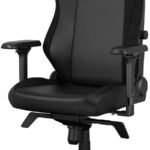 Best Overall Posture Product for Gamers
When it comes to gaming ergonomics, few chairs receive as much praise as the Secretlab TITAN Evo.
Designed specifically for long gaming sessions, it provides outstanding support for your back, neck, and shoulders.
Key Features
- Integrated adjustable lumbar support
- Magnetic memory foam head pillow
- Cold-cure foam padding
- Multi-tilt mechanism
- Adjustable armrests
- Premium upholstery options
Why It Helps Posture
Unlike standard gaming chairs, the TITAN Evo encourages neutral spinal alignment and provides customizable support where gamers need it most.
Pros
✔ Exceptional lumbar support
✔ Premium build quality
✔ Highly adjustable
✔ Comfortable for long sessions
✔ Excellent durability
Cons
✘ Premium price
Best For
Serious gamers and streamers spending multiple hours per day at their desk.
Amazon Affiliate Recommendation
2. Everlasting Comfort Lumbar Support Pillow
 Best Budget Posture Upgrade
Not everyone wants to replace their entire chair.
A lumbar support pillow is one of the easiest and most affordable posture improvements available.
Key Features
- Memory foam construction
- Ergonomic contour design
- Adjustable straps
- Breathable cover
- Universal compatibility
Why It Helps
The pillow fills the gap between your lower back and chair, encouraging natural spinal curvature.
Pros
✔ Affordable
✔ Easy installation
✔ Works with most chairs
✔ Immediate comfort improvement
Cons
✘ Requires occasional adjustment
Best For
Gamers using office chairs or budget gaming chairs.
Amazon Affiliate Recommendation
3. HUANUO Dual Monitor Arm
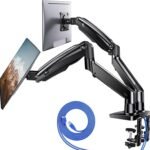 Best Monitor Positioning Solution
Many posture problems begin because monitors sit too low.
Gamers often lean forward or look downward, causing neck strain.
Key Features
- Adjustable height
- Full articulation
- Cable management
- Supports dual monitors
- Easy installation
Why It Helps
The ideal monitor position places the top third of the screen at eye level.
A monitor arm makes achieving this easy.
Pros
✔ Reduces neck strain
✔ Saves desk space
✔ Improves viewing angles
✔ Supports ergonomic setups
Cons
✘ Requires compatible desk
Best For
Multi-monitor gaming and streaming setups.
Amazon Affiliate Recommendation
4. StrongTek Ergonomic Foot Rest
 Best Under-Desk Posture Product
Your feet play a larger role in posture than most gamers realize.
Without proper support, your pelvis can tilt, leading to spinal misalignment.
Key Features
- Adjustable angles
- Non-slip surface
- Durable construction
- Large platform
Why It Helps
A footrest encourages:
- Better sitting posture
- Improved circulation
- Reduced lower back pressure
Pros
✔ Simple but effective
✔ Comfortable
✔ Improves lower-body alignment
✔ Affordable
Cons
✘ Takes up floor space
Best For
Gamers whose feet don’t rest comfortably on the floor.
Amazon Affiliate Recommendation
5. Upright GO 2 Smart Posture Trainer
 Best Wearable Posture Corrector
Technology can now actively help correct posture habits.
The Upright GO 2 attaches to your upper back and gently vibrates whenever you begin slouching.
Key Features
- Real-time posture tracking
- Vibration feedback
- Mobile app integration
- Progress monitoring
- Lightweight design
Why It Helps
Most posture problems are behavioral.
The device trains your body to recognize and correct poor posture automatically.
Pros
✔ Active posture coaching
✔ Easy to use
✔ Mobile app tracking
✔ Builds long-term habits
Cons
✘ Requires consistent use
Best For
Gamers trying to permanently improve posture habits.
Amazon Affiliate Recommendation
Bonus Product: Blueair Blue Pure 511 Air Purifier
Best for Overall Gaming Environment
While not directly a posture product, improving air quality can increase comfort during long gaming sessions.
Benefits
- Reduces dust
- Captures allergens
- Improves airflow
- Creates a more comfortable gaming space
Amazon Affiliate Recommendation: Blueair Blue Pure 511
Comparison Table
| Product | Category | Posture Benefit | Best For |
|---|---|---|---|
| Secretlab TITAN Evo | Gaming Chair | Full-body support | Serious Gamers |
| Everlasting Comfort Pillow | Lumbar Support | Lower back alignment | Budget Upgrade |
| HUANUO Monitor Arm | Monitor Positioning | Neck support | Multi-Monitor Setups |
| StrongTek Foot Rest | Ergonomic Accessory | Pelvic alignment | Desk Comfort |
| Upright GO 2 | Posture Trainer | Habit correction | Long-Term Improvement |
How to Build the Perfect Ergonomic Gaming Setup
Buying products is only part of the solution.
Follow these ergonomic guidelines:
Monitor Height
The top of your monitor should be at or slightly below eye level.
Chair Height
Your knees should form approximately a 90-degree angle.
Arm Position
Keep elbows close to your body and bent around 90 degrees.
Keyboard Placement
Wrists should remain neutral while typing and gaming.
Take Breaks
Follow the 20-20-20 rule:
Every 20 minutes:
- Look 20 feet away
- For 20 seconds
This helps reduce eye strain and encourages movement.
Signs Your Gaming Setup Needs Improvement
Watch for these warning signs:
Neck Pain
Often caused by low monitor placement.
Shoulder Tightness
Usually linked to poor arm positioning.
Lower Back Pain
Frequently caused by insufficient lumbar support.
Tingling Hands
May indicate poor wrist posture.
Frequent Headaches
Can result from neck tension and eye strain.
Frequently Asked Questions
Do gaming chairs actually improve posture?
Yes. High-quality ergonomic gaming chairs provide lumbar support, encourage spinal alignment, and reduce strain during extended sitting.
Is a posture corrector worth it?
Wearable posture trainers can be extremely effective when used consistently alongside ergonomic improvements.
How high should my monitor be?
Ideally, the top third of the screen should align with your eye level.
Are footrests necessary?
For shorter individuals or desks with fixed heights, footrests can significantly improve posture.
How often should gamers stand up?
Experts recommend standing and stretching every 30–60 minutes.
Final Verdict: Best Posture Products for Gamers in 2026
If you’re serious about eliminating gamer hunch and protecting your health, these are our top recommendations:
🥇 Best Overall: Secretlab TITAN Evo Gaming Chair
🥈 Best Budget Upgrade: Everlasting Comfort Lumbar Support Pillow
🥉 Best Monitor Solution: HUANUO Dual Monitor Arm
🏆 Best Ergonomic Accessory: StrongTek Foot Rest
💡 Best Posture Trainer: Upright GO 2
The most effective approach is combining several of these products into a complete ergonomic setup. A supportive chair, properly positioned monitor, and consistent posture habits can dramatically reduce pain and improve both gaming comfort and long-term health.
Remember: your gaming setup should support your body just as much as it supports your gameplay. Investing in posture today can help you avoid discomfort, injuries, and mobility issues tomorrow.