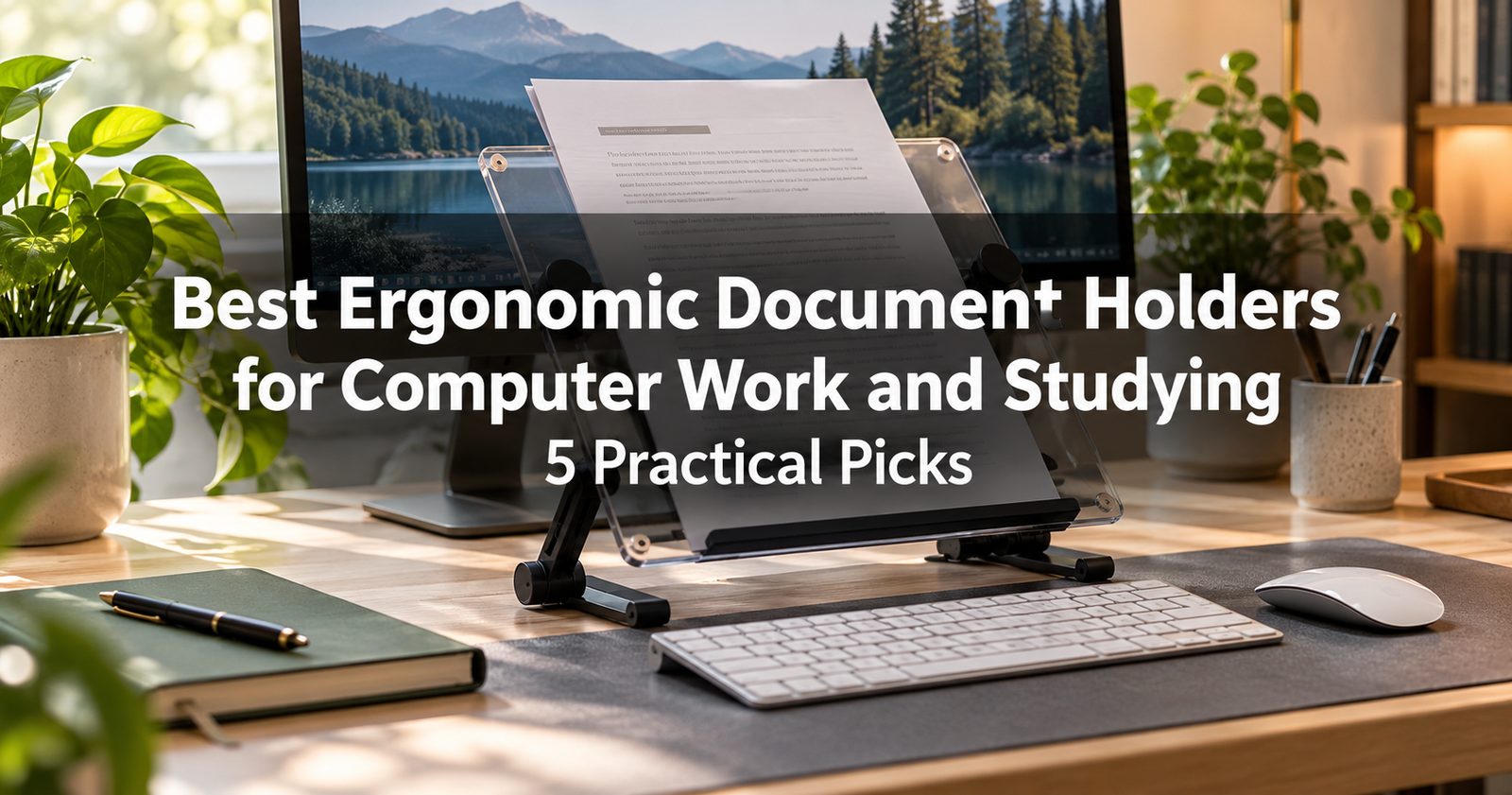
Switching between paperwork and a computer screen is part of many daily routines. Students refer to printed notes while writing assignments, office workers enter information from forms, and professionals compare reports with spreadsheets.
When those papers lie flat beside the keyboard, you may repeatedly look down or turn your head to read them. An ergonomic document holder gives your reference material a dedicated position, making it easier to arrange paperwork near your screen.
The right choice depends on your tasks. A simple upright copyholder may suit occasional typing from printed pages. An adjustable inline holder may work better for frequent reference, while a sliding writing platform can help when you regularly alternate between typing and handwritten notes.
This guide compares five options using published manufacturer information rather than hands-on testing.
Why Consider an Ergonomic Document Holder?
Table of Contents
Document holders help position printed material in relation to your monitor, keyboard, and chair.
OSHA recommends placing reference documents at approximately the same height and viewing distance as the monitor where appropriate. It also identifies a position directly beneath the monitor as useful for some tasks, including work requiring written entries. The suitable arrangement depends on what you are doing and the documents involved.
A document holder can support a more comfortable workstation, but its placement matters as much as its design. It should not block the screen, push your keyboard beyond comfortable reach, or leave you leaning forward to read small text.
Quick Comparison
| Document holder | Design | Useful for | Main consideration |
|---|---|---|---|
| 3M DH640 | Adjustable inline holder | Frequent paper-to-screen reference | Space between keyboard and monitor |
| Fellowes Office Suites 8033201 | Desktop copyholder with memo board | Reports, forms, and quick reminders | Viewing position beside the screen |
| Kensington InSight Plus 62405 | Collapsible easel copyholder | Printed notes and line-by-line reference | Listed capacity of 50 sheets |
| BakkerElkhuizen FlexDesk 640 | Sliding document and writing platform | Alternating between typing and writing | Platform footprint and keyboard clearance |
| 3M DH340MB | Folding desktop holder | Everyday loose-paper reference | Clip capacity and document size |
1. 3M DH640 Adjustable In-Line Document Holder
A Strong Option for Frequent Paper-to-Screen Work
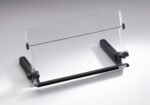
The 3M DH640 is worth considering if you spend substantial time entering information from documents or comparing printed material with a screen.
Its inline design places paperwork between your keyboard and monitor. The manufacturer lists height and angle adjustment, a weighted base, and an elastic line guide that can mark your place and help keep pages open.
 Why Consider It?
An inline arrangement may suit tasks such as transcribing notes, reviewing forms, or consulting reference material while typing. Keeping the source material near the center of your workstation can make the layout easier to manage.
The elastic guide is also worth investigating if you frequently lose your place when switching between a page and the screen.
What to Check Before Buying
Measure the usable space between your keyboard and monitor. Account for the monitor stand, screen height, and the size of documents you normally use.
Check that the loaded holder will not cover the lower part of your display. You should also be able to reach the keyboard and mouse without stretching around it.
Best suited to: Frequent document reference and transcription at a dedicated desk.
Main consideration: Requires a workable inline layout.
2. Fellowes Office Suites Desktop Copyholder 8033201
A Multifunction Option for Papers and Reminders
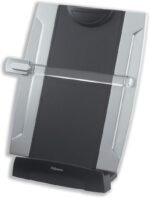
The Fellowes Office Suites Desktop Copyholder combines a document holder, clipboard, and dry-erase memo board.
Fellowes’ published materials identify a movable line guide and a capacity of up to 150 sheets. The guide can move along the page and swing aside when it is not needed.
 Why Consider It?
This design may appeal to people who work with both reference pages and short reminders. You could use the holder for a printed report during one task and the memo board for temporary notes during another.
A movable guide may also be useful when reading lists, entering figures, or working through a document one line at a time.
What to Check Before Buying
Look at the space immediately beside your monitor. An upright holder should sit close enough to the screen that you can refer to it without repeatedly turning far to one side.
Check the supported paper sizes and adjustment range for the exact listing. A stated sheet capacity does not establish suitability for a heavy textbook or thick binder.
Best suited to: Office paperwork, printed study notes, and users who value a memo-board function.
Main consideration: Needs careful positioning relative to the screen.
3. Kensington InSight Plus Easel Copyholder 62405
A Foldaway Choice for Printed Notes
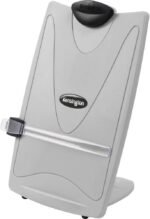
The Kensington InSight Plus is worth comparing if you want an easel-style holder that can be stored between sessions.
Kensington lists four angle settings, a magnified line guide, a sliding rule, and support for up to 50 sheets. The holder is collapsible for storage.
 Why Consider It?
A collapsible design can be useful on a shared desk or a study table that also serves other purposes. You can bring it out for document-based work and put it away afterward.
The line guide may appeal to students reading printed notes or workers entering information from forms. Whether magnification is useful will depend on your eyesight, print size, and preferred viewing distance.
What to Check Before Buying
Confirm that the available angle settings suit your chair and screen arrangement.
Consider the amount of paper you actually need to display. A 50-sheet capacity may be sufficient for a report or study packet, but larger stacks and bound materials require separate checks.
Best suited to: Students and occasional document users who want a collapsible holder.
Main consideration: Lower listed sheet capacity than some alternatives here.
Amazon.com: Kensington Insight Plus Easel Copyholder White/Grey – 62405 : Office Products
4. BakkerElkhuizen FlexDesk 640
A Sliding Platform for Typing and Handwritten Notes
The BakkerElkhuizen FlexDesk 640 is designed for people who regularly alternate between computer work and writing.
Its surface slides forward on rails so you can bring documents closer for handwritten entries. The manufacturer lists three height settings between 110 and 180 millimeters, anti-slip feet, a pen tray, and a maximum load of 5 kilograms.
 Why Consider It?
A sliding platform is worth investigating when you frequently annotate reports, complete worksheets, or make notes while using a computer.
Instead of repeatedly clearing space for a notebook, you can arrange the platform as part of the workstation. Its usefulness depends on whether it fits your keyboard and leaves enough room for normal typing.
What to Check Before Buying
The published dimensions are approximately 515 millimeters wide and 380 millimeters deep. The manufacturer also provides clearance measurements beneath the front of the platform. Compare these with your keyboard, desk, and monitor stand.
Allow space for the platform to move forward. Check that its position does not force your wrists against an edge or interfere with your mouse.
Best suited to: People who frequently switch between typing, reading, and writing.
Main consideration: Larger footprint and more clearance requirements than a simple copyholder.
5. 3M DH340MB Desktop Document Holder
A Straightforward Choice for Everyday Paperwork
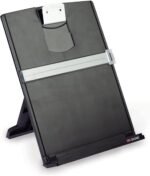
The 3M DH340MB offers a simpler desktop arrangement for loose documents.
3M lists a height-adjustable clip, portrait and landscape document support, a non-skid base, and a line guide. It accommodates letter- or legal-size documents, holds up to 150 sheets, and folds flat for storage.
 Why Consider It?
This holder is worth comparing if your main requirement is keeping printed pages upright during computer work.
The folding design may suit a home office where accessories need to be stored after use. Portrait and landscape support also gives you options when working with different page layouts.
What to Check Before Buying
Confirm the paper size and orientation you use most often. Oversized drawings, thick books, and heavy binders may need a different support.
Check the clip and line guide arrangement against your task. If you frequently write on documents, a dedicated writing platform may be more practical than an upright holder.
Best suited to: Everyday forms, reference sheets, and printed notes.
Main consideration: Designed primarily around document viewing rather than a sliding writing surface.
These Amazon links open product searches. Confirm the model, seller, specifications, and availability before ordering.
How to Choose the Best Ergonomic Document Holder
 Start With Your Main Task
Think about how you use paper during a typical session.
For occasional reference, a simple desktop holder may be enough. For frequent transcription, investigate an inline arrangement. If you repeatedly make handwritten entries, look at a platform specifically designed to support writing.
Choose around your routine rather than the longest feature list.
 Match the Holder to Your Documents
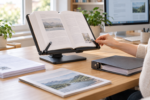
Loose sheets, magazines, textbooks, and ring binders place different demands on a holder.
Check the supported paper size, ledge depth, clip opening, and load limit. Do not assume that a holder rated for many sheets can safely support an equally heavy bound book.
For books, consider whether the page-retention system will hold them open without covering text or damaging pages.
 Measure Desk Space and Viewing Clearance
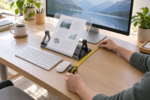
Measure the desk area the holder will occupy, including its base and adjustment range.
For an inline model, check the gap between keyboard and monitor. For a sliding platform, include the space required when pulled forward.
Make sure documents remain readable without covering the display or pushing frequently used equipment out of reach.
 Check Adjustment and Stability
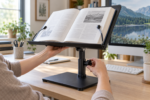
Look for adjustments that help you position your actual documents comfortably. Angle adjustment alone may not provide the height you need.
The holder should remain stable with its intended load. OSHA specifically identifies stability with heavier reference materials as an important consideration.
Consider Glare and Lighting
Place a task light so the page is readable without creating glare on the screen.
Glossy paper, clear platforms, and nearby windows can affect visibility. Test the arrangement at the times of day you normally work, and adjust the holder or lighting if reflections make reading difficult.
 Keep Movement in Your Routine
A document holder is one part of a workstation. Continue changing position and taking breaks rather than trying to maintain one rigid posture throughout a long session.
Review the whole layout if you still find yourself leaning forward, reaching, or turning repeatedly.
Which Document Holder Should You Choose?
Start with the 3M DH640 for frequent inline reference. Compare the Fellowes Office Suites 8033201 if a memo board and clipboard would be useful, or the Kensington InSight Plus if foldaway storage matters.
The FlexDesk 640 deserves attention when writing and typing are equally important. The 3M DH340MB offers a straightforward alternative for everyday printed pages.
The best ergonomic document holder is one that fits your documents, desk, and work habits while keeping your screen and controls easy to use.