Watching TV is one of the most relaxing ways to unwind after a long day. Whether you’re binge-watching your favorite series, enjoying movie night with the family, or catching a sporting event, it’s easy to spend several hours sitting in the same position without realizing the impact on your body.
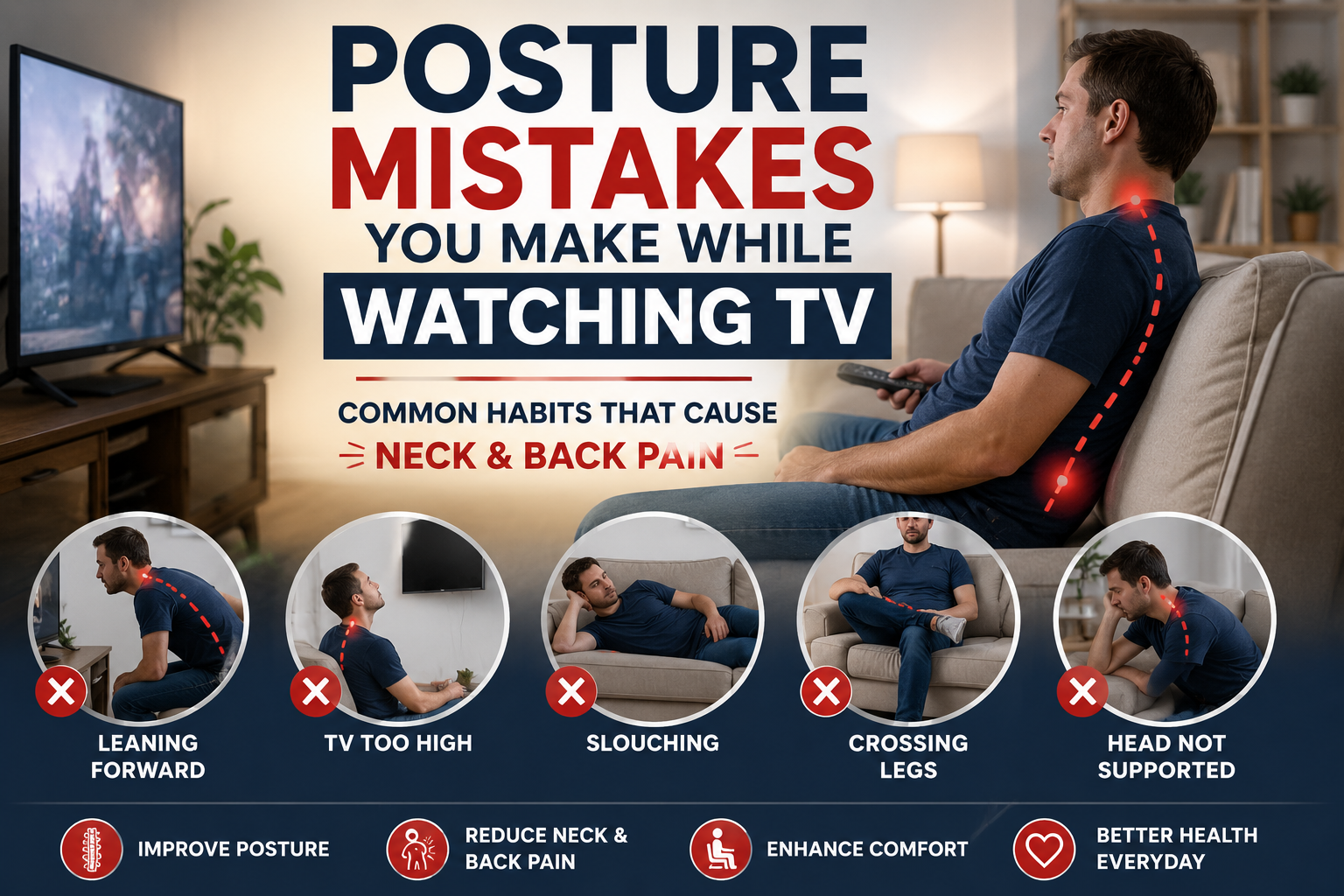
Unfortunately, poor posture while watching TV can contribute to neck stiffness, lower back pain, shoulder tension, hip discomfort, and even headaches. Many people unknowingly adopt awkward sitting positions that place unnecessary stress on the spine and surrounding muscles. Over time, these habits may lead to chronic discomfort and reduced mobility.
The good news is that improving your TV-watching posture doesn’t require expensive equipment or major lifestyle changes. Small adjustments to your sitting position, TV placement, and furniture can make a significant difference in your comfort.
In this guide, we’ll explore the most common posture mistakes people make while watching TV, explain how to fix them, and recommend helpful ergonomic products available on Amazon.
Why TV Watching Can Affect Your Posture
Table of Contents
Many people spend between two and five hours each day watching television. During this time, it’s common to:
- Slouch into the couch
- Lean to one side
- Cross your legs for extended periods
- Look up or down at the TV
- Support your head with one hand
- Lie in awkward positions
These habits may place extra stress on your:
- Neck
- Shoulders
- Spine
- Lower back
- Hips
- Knees
The longer you remain in poor posture, the more likely your muscles become fatigued.
1. Slouching Into the Couch
One of the biggest posture mistakes is sinking deep into a soft couch where your lower back loses its natural curve.
 Why It’s a Problem
Slouching increases pressure on your lumbar spine and often causes rounded shoulders and forward head posture.
How to Fix It
- Sit with your hips against the backrest.
- Keep your feet flat on the floor.
- Use a lumbar support pillow if needed.
Recommended Product
ComfiLife Lumbar Support Cushion
2. Watching TV With Your Head Turned
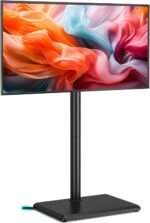 If your television isn’t centered with your seating position, you may spend hours twisting your neck.
Why It’s a Problem
Continuous neck rotation can lead to stiffness, muscle tension, and headaches.
How to Fix It
Arrange your seating so your head faces directly toward the screen.
3. Looking Too Far Up or Down
TV placement matters.
If it’s mounted too high or too low, your neck remains bent throughout the program.
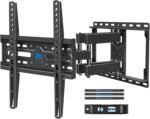 Ideal TV Height
The center of the screen should be close to eye level when seated comfortably.
Recommended Product
Adjustable TV Wall Mount
4. Sitting Too Close to the TV
Leaning forward for long periods places unnecessary strain on the neck and shoulders.
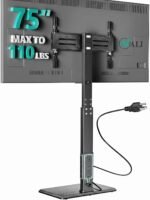 Better Solution
Maintain an appropriate viewing distance based on screen size.
Generally:
- 55-inch TV: 7–11 feet
- 65-inch TV: 8–13 feet
- 75-inch TV: 9–15 feet
5. Lying on One Side
Many people watch TV while lying sideways on the couch.
 Why It’s a Problem
This twists the spine and places uneven pressure on the shoulders and hips.
Better Position
Sit upright or recline evenly using proper back support.
6. Crossing Your Legs for Hours
Crossing your legs occasionally isn’t usually an issue, but doing so for extended periods may contribute to muscle imbalance and discomfort.
 Better Habit
Keep both feet supported on the floor or use a footrest.
Recommended Product
Everlasting Comfort Foot Rest
7. Using the Wrong Pillow
If you watch TV in bed, stacking multiple pillows behind your head often pushes the neck into an awkward position.
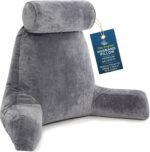 Better Solution
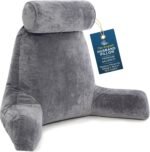
Use a supportive reading pillow or adjustable wedge pillow.
Recommended Product
Reading Pillow
8. Staying in One Position Too Long
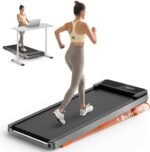 Even perfect posture becomes uncomfortable when maintained for hours.
Better Habit
Stand up every 30–60 minutes to stretch or walk around.
9. Ignoring Neck Support
Unsupported neck muscles fatigue over time.
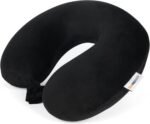 Helpful Product
Memory Foam Neck Pillow
10. Poor Lighting
Watching TV in complete darkness often encourages awkward head positioning and eye strain.
 Better Solution
Use soft ambient lighting behind or beside the television.
Best Ergonomic Products for Comfortable TV Watching
1. ComfiLife Lumbar Support Cushion
Supports the natural curve of the lower back.
2. Everlasting Comfort Foot Rest
Elevates the feet and improves sitting comfort.
3. Reading Pillow
Provides upper-body support while watching TV in bed.
4. Adjustable TV Wall Mount
Allows proper screen positioning.
5. Memory Foam Seat Cushion
Improves comfort during extended sitting.
6. Cervical Neck Pillow
Supports healthy neck alignment.
7. Massage Ball
Helps relieve muscle tension after prolonged sitting.
8. Heating Pad
Provides soothing heat for tight neck and back muscles.
9. Foam Roller
Useful for post-TV stretching and muscle recovery.
10. Recliner Chair with Lumbar Support
Offers improved comfort and ergonomic support during long viewing sessions.
Quick Stretch Routine After Watching TV
After long viewing sessions, try these simple stretches:
Neck Stretch
Hold for 20 seconds on each side.
Chest Stretch
Open the chest using a doorway stretch.
Cat-Cow Stretch
Perform 8–10 repetitions.
Hip Flexor Stretch
Hold 30 seconds on each side.
Hamstring Stretch
Hold 30 seconds per leg.
Frequently Asked Questions
Can watching TV cause back pain?
Yes. Poor sitting posture and prolonged inactivity can contribute to muscle tension and back discomfort.
How high should my TV be?
Ideally, the center of the screen should be close to eye level while seated comfortably.
Is reclining bad for posture?
A slight recline with proper lumbar support is generally more comfortable than sitting completely upright for long periods.
How often should I get up while watching TV?
Aim to stand, stretch, or walk around every 30–60 minutes.
Final Verdict
Watching TV should be a relaxing experience—not one that leaves you with neck pain, stiff shoulders, or an aching back. By avoiding common posture mistakes such as slouching, twisting your neck, crossing your legs for long periods, or sitting without proper support, you can greatly improve your comfort and reduce unnecessary strain on your body.
Adding a few ergonomic accessories can make an even bigger difference. A ComfiLife Lumbar Support Cushion helps maintain the natural curve of your lower back, while an Everlasting Comfort Foot Rest supports better leg positioning. If you watch TV in bed, a reading pillow offers excellent upper-body support, and an adjustable TV wall mount ensures your screen stays at the proper viewing height.
Combine these improvements with regular movement breaks and simple stretching exercises, and you’ll enjoy your favorite shows while taking better care of your posture and overall well-being.