A sofa can be a pleasant place to read, review documents, or answer a few messages. Balancing a laptop or holding a heavy book, however, can make it difficult to find a comfortable position.
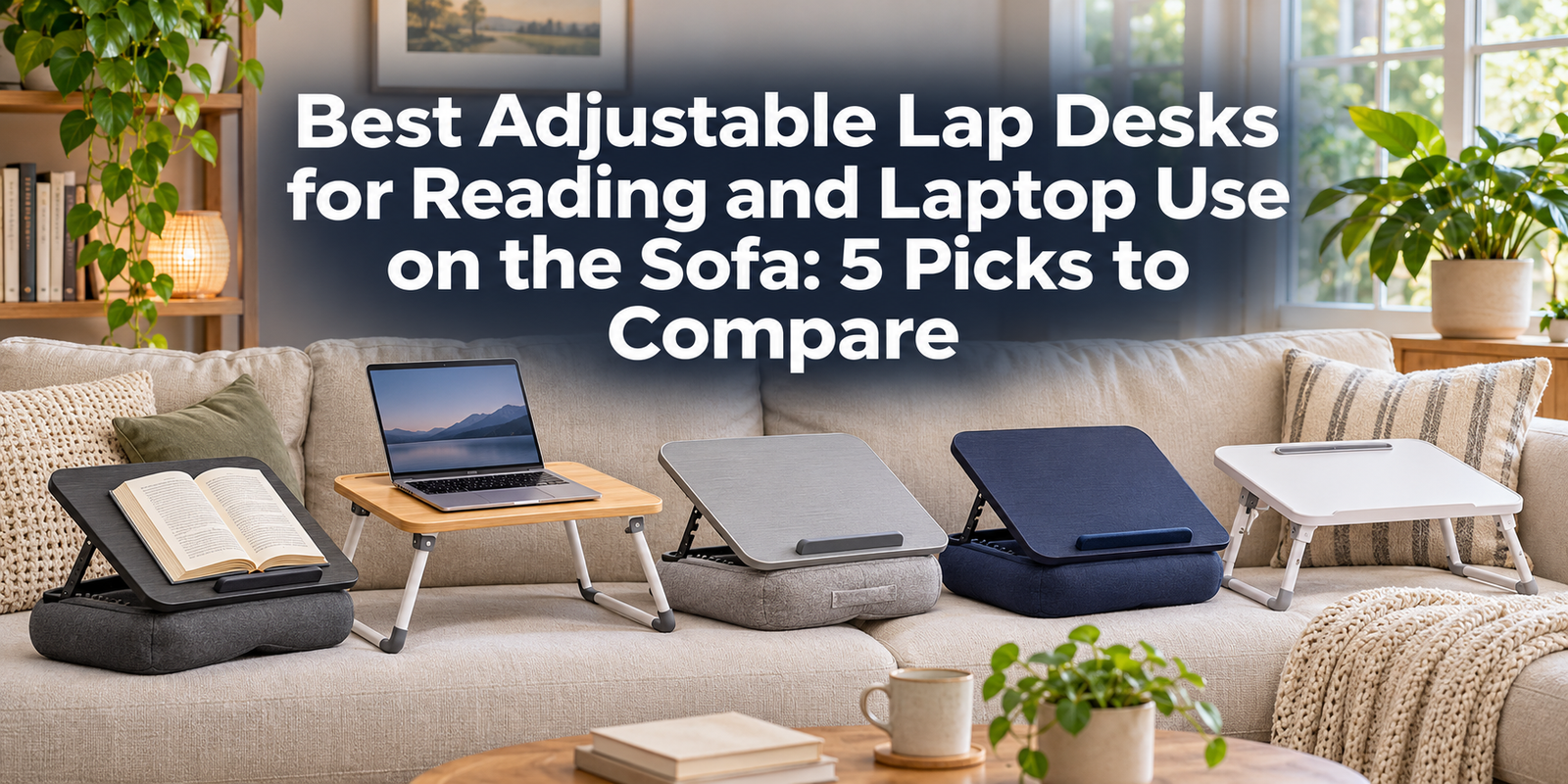
An adjustable lap desk provides a supported surface with options for changing its angle or height. The right design depends on your activity, the size of your equipment, and the shape of your sofa.
Some desks rest on cushions directly across your lap. Others have folding legs that sit beside your thighs. These arrangements behave differently, especially on deep or soft upholstery.
This guide compares five products using manufacturer specifications and instructions. It is not a hands-on comfort ranking. None of these accessories guarantees better posture or turns every sofa into a suitable workstation.
Quick Comparison
Table of Contents
| Product | Support arrangement | Adjustment described | Main reason to compare |
|---|---|---|---|
| LapGear Ergonomic Pro 2.0 | Cushioned lap base | Nine surface-elevation positions | Integrated mouse area and storage |
| HUANUO 17-inch Detachable Mouse Pad Lap Desk | Dual-cushion lap base | Six tilt angles | Mouse platform usable on either side |
| Mind Reader Eight-Position Cushioned Lap Desk | Double-bolster lap base | Eight settings | Compact folding format |
| SAIJI K7 Laptop Bed Tray Table | Folding legs | Height and tabletop-angle adjustment | Bookstand and removable stopper |
| HUANUO 24-inch Five-Level Adjustable Lap Desk | Folding legs or cushioned lap use | Five heights; 0–35-degree tilt | Two support arrangements |
These features come from the respective manufacturers. Treat screen-size claims as a starting point and compare your laptop’s actual base dimensions before ordering. LapGear®
1. LapGear Ergonomic Pro 2.0 Lap Desk
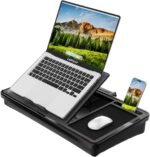 An option for a laptop and separate mouse
LapGear lists nine surface-elevation positions, a microbead cushion, a device ledge, an integrated mouse pad, a phone slot, and a zippered storage pocket. The desk measures 21.1 × 12 × 3.1 inches, weighs 2.81 pounds, and is described as fitting laptops up to 15.6 inches. Its care instruction is spot cleaning.
The combination is worth comparing if you want a single cushioned surface for a laptop and mouse. Check how much mouse area remains beside your particular computer rather than relying on its screen diagonal.
For reading, inspect whether the ledge supports the thickness of your book and whether pages remain manageable. A device ledge is not automatically a page holder.
Because the base sits on your lap, your leg position affects the working surface. Test it while sitting in the sofa position you normally use.
Why compare it: Integrated mouse space and a cushioned base with several elevation choices.
What to check: Usable surface area, ledge contact, adjustment security, and spot-cleaning practicality.
2. HUANUO 17-inch Detachable Mouse Pad Lap Desk
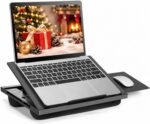 An option for left- or right-side mouse placement
HUANUO describes this model with six tilt angles, two lap cushions, a carrying handle, and a detachable mouse pad that can extend on either side. The reviewed page identifies model HNLD11-1-US, lists a 3.08-pound weight, and describes compatibility with 15.6-inch laptops and tablets.
The product’s “17-inch” title should not be read as a promise that every 17-inch laptop fits. Use the actual platform measurements and device dimensions.
The reversible mouse arrangement is a useful distinction for households sharing a desk or for someone who needs the mouse on a particular side. Confirm the extended width against the space between your sofa’s arms.
Also ask how the mouse platform sits relative to the main surface when tilted. Reading at an incline and moving a mouse may require different setups.
Why compare it: Flexible mouse placement and a cushioned portable design.
What to check: Exact model, extended footprint, platform alignment, and available mouse travel.
3. Mind Reader Eight-Position Cushioned Lap Desk
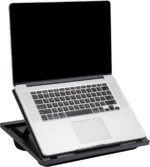 A compact format for reading and smaller setups
Mind Reader describes eight adjustment settings, double bolster cushions, a front retaining lip, and a carrying handle. Its published dimensions are 14.75 × 11 inches, with a height of 2.3 inches closed and 7.3 inches open. The page lists a weight of 3.69 pounds and support for devices with screens up to 15.6 inches. mindreaderproducts.com
This is a candidate when compact storage matters more than a wide mouse area. Measure an open book or laptop base against the surface before buying.
For reading, check that the retaining lip supports the book without obscuring the bottom of the page. Large reference books may need more room than a smaller novel or tablet.
The closed height also matters if you want to slide the desk beside the sofa. Measure the available gap instead of assuming that a collapsible product stores flat enough.
Why compare it: Several adjustment settings in a relatively small format.
What to check: Book fit, actual device support, carrying weight, and closed storage dimensions.
Mind Reader Eight-Position Cushioned Lap Desk
4. SAIJI K7 Laptop Bed Tray Table
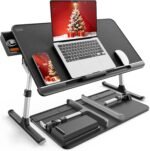 A leg-supported option with a separate bookstand
The reviewed SAIJI K7 instructions identify height-adjustment locks, tabletop-angle locks, folding legs, a drawer, a bookstand, and a laptop/book stopper. They describe installing the bookstand in a dedicated groove and inserting the stopper when the tabletop is tilted. m.media-amazon.com
Those reading features distinguish it from a basic laptop platform. Check the supplied bookstand against your normal books, including thickness, open width, and page-turning access.
The K7 name appears across different seller descriptions and versions. Confirm the exact model, current height range, tabletop dimensions, and included accessories rather than transferring figures from a similar listing.
With legs deployed, the tray needs sufficient room beside your thighs and suitable support beneath both sides. A soft cushion or a gap between sofa seats may change how it sits.
Why compare it: Documented book-support accessories and separate height and angle controls.
What to check: Exact version, inside leg clearance, stability on your sofa, and accessory availability.
5. HUANUO 24-inch Five-Level Adjustable Lap Desk
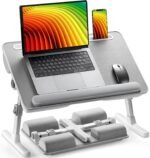 An option for comparing lap and leg-supported use
HUANUO describes this design as usable with folding legs or as a cushioned lap desk. Its published height settings are 11.14, 12.2, 13.43, 14.5, and 15.67 inches, with tabletop tilt from 0 to 35 degrees. The page also lists 20.1 inches of legroom, a front support ledge, and a tablet/phone slot. HUANUO
That dual arrangement may help if you alternate between activities or seating positions. Before choosing it, clarify how the legroom measurement is taken and compare the complete deployed footprint with your sofa.
The front ledge also needs attention. During a trial, check where your palms or forearms contact the desk while typing.
Foldable legs do not establish a particular storage thickness. Request packed dimensions and identify somewhere to put the desk when you stand up.
Why compare it: Two support arrangements and documented height settings.
What to check: Minimum height, deployed width, adjustment locks, ledge contact, and folded size.
How to Choose an Adjustable Lap Desk for the Sofa
Start With the Activity
 Reading, handwriting, browsing, and typing place different demands on a surface.
For a book, consider open-page width, thickness, viewing angle, and page support. For a laptop, include keyboard reach, screen visibility, ventilation, and any separate input devices.
If you switch activities regularly, check how easily the desk returns to a flat position. A setup that works for watching a video may need adjustment before you start typing.
Measure the Sofa and Your Seated Position
 Sit where you normally work and record the space between the sofa arms, the available depth, and the area around your thighs.
For leg-supported trays, compare the inside clearance and outside footprint separately. For cushioned desks, consider whether the base remains balanced across your lap.
A product may fit across an empty seat yet feel cramped when you sit beneath it. Include any cushion or back support you normally use when taking measurements.
Separate Height From Tilt
 A taller desk and a steeper angle solve different positioning problems.
Raising the surface may improve viewing but can leave the keyboard too high. Tilting may make a book easier to see while changing how your hands approach the keys.
Check the lowest usable setting as carefully as the highest one. More adjustment positions do not establish that any position suits you.
Understand How Adjustments Hold
I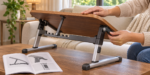 dentify the locks, hinges, support bars, or notches that hold the selected position.
Follow the instructions when adjusting and loading the desk. Confirm that both sides are secured where separate controls are provided.
Ask for the permitted load and whether it changes with tilt or leg position. Do not assume a laptop-size claim establishes a weight rating.
Check Reading Support
 A front lip may stop a book sliding without holding it open. A tablet slot may be too narrow for a book or a tablet in a thick case.
Check whether page holders are included, whether they cover the print, and whether you can turn pages easily.
Use your normal reading material during a return-policy-compliant trial rather than judging fit from product photographs.
Keep Laptop Ventilation Clear
 Follow your laptop manufacturer’s surface and ventilation requirements. Check that vents and feet remain unobstructed by cushions, retaining lips, or accessories.
A rigid platform does not automatically provide active cooling. Consider where warm exhaust air goes and how charging cables reach the sofa.
Keep cables arranged so they do not pull the desk when you move or stand.
Assess the Whole Seated Setup
 A lap desk is one part of the arrangement. Back support, foot position, screen visibility, keyboard reach, and mouse location still matter.
OSHA advises applying desktop workstation principles when a laptop is the primary computer, including a separate keyboard and input device. Its guidance also encourages changing position and taking breaks. Occupational Safety and Health Administration
For longer typing sessions, compare whether a supported desk-and-chair setup gives you more practical adjustment.
Include Cleaning and Storage Costs
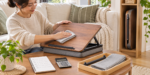 Check whether cushions or covers are removable and which surfaces require wiping or spot cleaning.
Ask whether replacement ledges, pads, hinges, and bookstands are available for the exact model. Include delivery and return shipping when comparing prices.
Also consider the desk’s empty weight. You will need to move the desk and equipment when getting up from the sofa.
Does an Adjustable Lap Desk Guarantee Better Posture?
No. Adjustment options give you choices, but comfort depends on the person, task, equipment, and seating.
A desk that helps with reading may still leave a laptop keyboard poorly positioned. Assess the complete arrangement and change position rather than remaining in one pose.
Which Adjustable Lap Desk Should You Compare First?
Compare LapGear for integrated mouse space, HUANUO’s detachable-mouse-pad model for side flexibility, or Mind Reader for a compact cushioned format.
For a tray with legs, investigate the SAIJI K7’s reading accessories or HUANUO’s five-level model. Confirm exact dimensions and versions before ordering.
Choose the desk that supports your normal activity, fits your sofa, and remains practical to adjust, clean, store, and move.