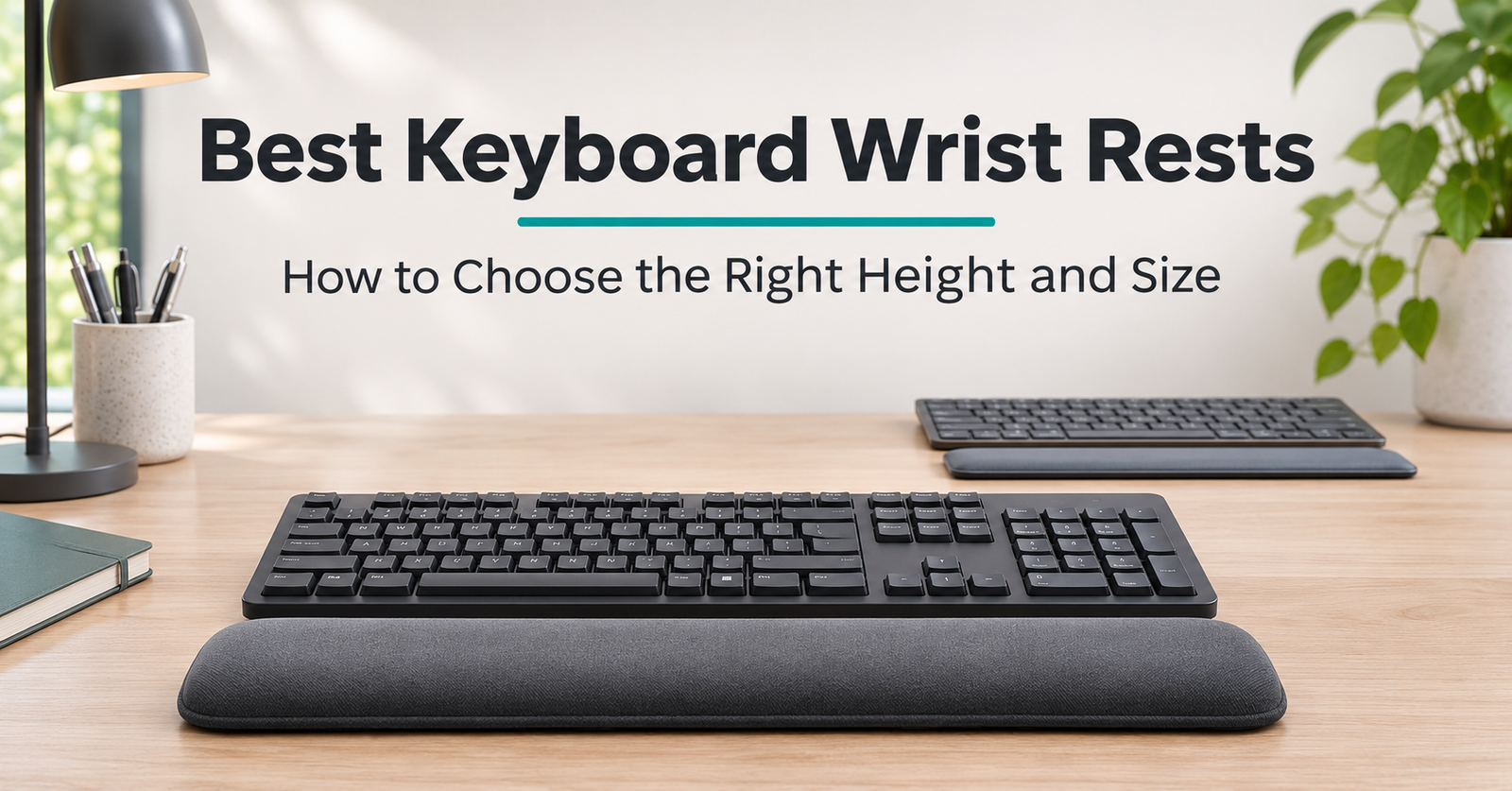
A keyboard wrist rest can make a desk feel more comfortable, but choosing one involves more than finding a soft cushion. A rest that looks suitable beside one keyboard may feel too tall, too short, or too wide beside another.
The best keyboard wrist rests are worth comparing by fit first: the height of your keyboard’s front edge, the width of its case, the space available on your desk, and where your palms naturally pause between typing tasks.
This guide compares five options for different setups. These are specification-based selections rather than hands-on test results.
The Amazon links below open product searches. Check the exact model, selected size, seller, availability, and return terms before purchasing. These links contain no affiliate tracking tag.
Quick Comparison: Five Keyboard Wrist Rests
Table of Contents
| Product | Setup to compare it for | Material or design | Main fit check |
|---|---|---|---|
| Logitech MX Palm Rest | Slim office keyboard setups | Memory foam with a smooth surface | Check its profile against your keyboard |
| HyperX Wrist Rest — Full Size | Full-size keyboards | Gel-infused memory foam | 457 × 88 mm footprint; 22 mm thickness |
| Kensington ErgoSoft — Standard Keyboards | Standard office keyboards | Gel cushioning; wipe-clean exterior | Designed for keyboard front heights of 10–20 mm |
| Razer Ergonomic Wrist Rest — Mini | Mini keyboard setups | Leatherette-covered memory foam | 294 × 90 × 19 mm |
| Glorious Cloth Ergonomic Keyboard Wrist Rest | Setups needing a thicker cloth option | Padded cloth; rubber base | 25 mm thickness; several widths |
Dimensions and features refer to the manufacturer versions discussed below. Similarly named products can differ. logitech.com
1. 3M Gel Wrist Rest WR309LE
An option for a desk setup with a wipe-clean surface
The 3M Gel Wrist Rest WR309LE provides an alternative to fabric-covered or memory-foam models. It combines a gel-filled interior with a black leatherette cover that 3M describes as easy to clean.
 Its listed dimensions are 18 inches wide × 2.75 inches deep × 0.75 inches thick, approximately 457 × 70 × 19 mm. Compare those measurements with your keyboard and available desk space before ordering. 3M United States
The separate design lets you position the rest in front of your keyboard. Its relatively shallow footprint makes it worth comparing when you want to preserve space between the keyboard and desk edge.
However, check the height carefully. A 19 mm rest may feel quite different beside a slim keyboard than beside a taller model. Consider where your palms naturally pause and whether the rest leaves room for comfortable hand movement.
The leatherette surface is also worth considering if you prefer a wipe-clean finish over a woven cover. Follow the manufacturer’s care instructions.
Why compare it: Gel cushioning, a cleanable leatherette cover, and a straightforward office appearance.
What to check: Keyboard width, front-edge height, available desk depth, and the exact WR309LE model number.
2. HyperX Wrist Rest — Full Size
A cushioned option for a full-size keyboard
The HyperX Full Size Wrist Rest combines gel-infused memory foam with a textured natural-rubber underside and anti-fray stitching. HyperX lists a footprint of 457 × 88 mm, while its support specifications give a thickness of 22 mm. HyperX US
 Those measurements make it useful to compare when a small palm pad would leave part of your working area uncovered. The longer footprint also means it needs sufficient clear desk space.
Check the edges as well as the center. A rest can fit in front of the keyboard yet still crowd the mouse area or extend into an awkward position on a narrow tray.
HyperX offers other sizes, so make sure the Amazon listing is for the full-size version described here. A photograph showing several variants does not establish which one is selected.
Why compare it: Substantial cushioning and a wide footprint.
What to check: Whether 22 mm suits your keyboard; greater thickness is not automatically more comfortable.
3. Kensington ErgoSoft Wrist Rest for Standard Keyboards
An option with a stated keyboard-height range
Kensington’s ErgoSoft Wrist Rest for Standard Keyboards, model K52799WW, uses gel-cushioned padding, a wipe-clean exterior, and non-skid backing. Kensington specifically identifies it for keyboards with a front height of 10–20 mm. Kensington
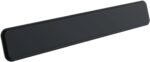 That stated range is a helpful starting point because “standard keyboard” alone is not a precise measurement. Measure your keyboard before treating this version as a match.
It also matters that Kensington sells several ErgoSoft versions, including products for slim keyboards and mechanical or gaming keyboards. Check the version name carefully when comparing listings. Kensington
A surface that can be wiped clean may appeal to shared-desk users or anyone who dislikes fabric covers. Follow the product’s cleaning instructions rather than assuming every household cleaner is suitable.
Why compare it: A defined keyboard-front-height range and a cleanable exterior.
What to check: The exact model number and version name.
4. Razer Ergonomic Wrist Rest for Mini Keyboards
A compact option for a smaller keyboard
Razer’s Mini Wrist Rest measures 294 mm long, 90 mm deep, and 19 mm thick. It features a leatherette-covered memory-foam cushion and anti-slip rubber feet. mysupport.razer.com
 Its shorter length makes it a candidate for a mini keyboard setup where a full-size rest would occupy unnecessary desk space. However, compact keyboard labels do not guarantee identical case widths.
Compare the actual measurements, especially if your keyboard is a 65% layout or has a wider decorative frame. Razer notes that its BlackWidow V3 Mini HyperSpeed’s 65% layout falls between the Mini and Tenkeyless wrist-rest sizes. Razer United Kingdom
The 90 mm depth also deserves attention. Even a short rest takes space from front to back, particularly on a compact desk.
Why compare it: A defined mini-keyboard size with a padded surface.
What to check: Actual keyboard width and available desk depth.
5. Glorious Cloth Ergonomic Keyboard Wrist Rest
A thicker option available in several widths
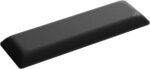 The current Glorious cloth wrist-rest page lists a 25 mm thickness and a non-slip rubber base. Its sizes include:
- Compact: 331 × 102 mm.
- Tenkeyless: 356 × 102 mm.
- Full-size: 455 × 102 mm.
The manufacturer describes this range as designed for GMMK 3 keyboards. Soft & Comfortable Support
This makes it worth comparing if you want a cloth contact surface and a thicker support. Check fit carefully when pairing it with another keyboard model.
Do not assume that every Glorious wrist rest has these dimensions. Confirm that the listing describes this cloth version and the size you intend to purchase.
At 102 mm deep, it also takes more desk space than some alternatives here. Mark out that footprint before purchasing if the front of your desk already feels crowded.
Why compare it: A padded cloth surface and several width choices.
What to check: Product version, selected size, and whether the 25 mm profile suits your keyboard.
How to Choose the Right Height and Size
Start With Your Keyboard’s Front Edge
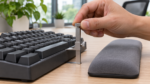 Measure the edge nearest your body with the keyboard in the position you actually use. Record its slope as well as its height.
OSHA recommends matching a wrist or palm support to the keyboard’s front-edge width, height, and slope. The objective is a reasonably straight wrist position rather than achieving a particular cushion thickness. Occupational Safety and Health Administration
A product’s maximum thickness may not describe the height of its sloping front edge. Foam compression can also change its effective height.
Check product photographs alongside measurements. If the shape or measurement convention is unclear, ask the seller before ordering.
Measure Width and Desk Depth
 Measure the keyboard case rather than relying solely on labels such as compact, tenkeyless, or full-size. Then measure the space between the keyboard and desk edge.
A useful rest should cover the area where your palms pause without pushing the keyboard farther away than is comfortable.
Use paper or removable tape to outline a prospective product’s footprint before ordering. This simple check can reveal whether the rest will crowd your mouse, overhang a tray, or leave too little working space.
For example, a rest that is the right width may still be too deep for a shallow keyboard tray.
Consider Contact and Movement
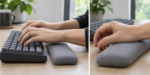 OSHA advises keeping hands free to move above the support while typing. During pauses, contact should be under the heel of the hand or palm rather than directly under the wrist. Occupational Safety and Health Administration
Avoid treating a wrist rest as a place to anchor your hands throughout every keystroke.
Also inspect the cover, seams, and edges. A pronounced ridge may feel different from the soft center. During a trial, consider the surface where your hands actually make contact rather than judging comfort by squeezing the middle of the cushion.
Choose a Material You Can Maintain
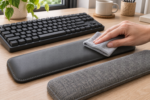 Compare the manufacturer’s cleaning guidance with your routine. Cloth, leatherette, and other covered surfaces require different care.
Consider whether you prefer a firm surface or a more compressible cushion. Think about how the cover feels against your skin and whether you want something you can wipe clean.
A return policy is useful because specifications cannot establish personal comfort. Check whether the seller accepts a return after the product has been opened and tried.
Check the Rest of Your Setup
 Assess chair height, keyboard reach, mouse placement, and available working space together. OSHA’s workstation guidance emphasizes keeping hands and wrists aligned with the forearms and changing position throughout the day. Occupational Safety and Health Administration
A wrist rest is one accessory within that arrangement. It should make your setup easier to use rather than create another obstacle between you and the keys.
Which Keyboard Wrist Rest Should You Compare First?
Start with the product whose dimensions most closely match your keyboard and desk.
Compare Logitech for a restrained office option, HyperX for a full-size cushioned design, Kensington for its stated keyboard-height range, Razer for mini layouts, and Glorious for a thicker cloth alternative.
Before buying, confirm the exact version, measure its footprint, and check return terms. Choose according to fit and comfort in your actual working position.