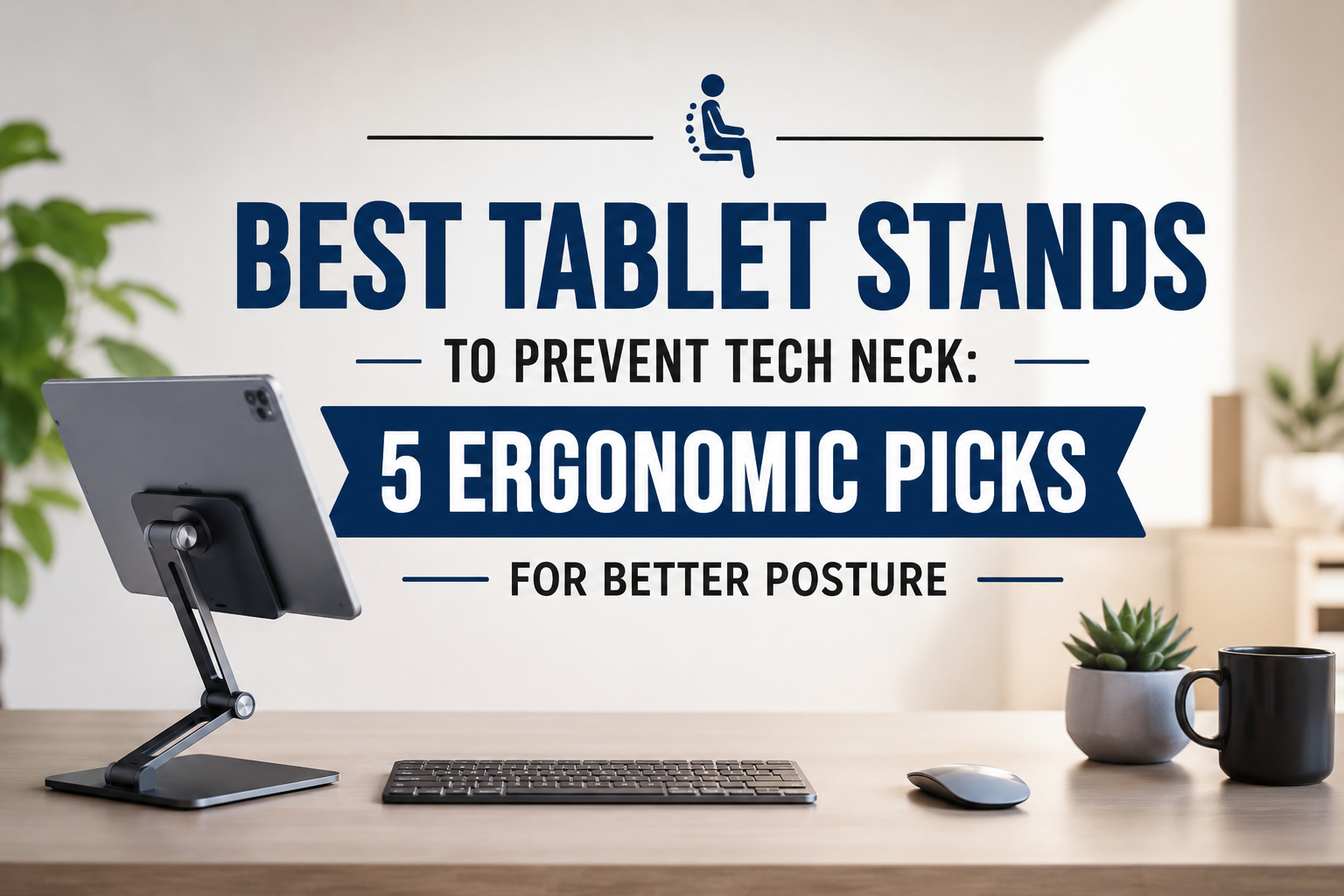
Tablets have become an essential part of everyday life. Whether you’re attending online classes, working remotely, reading eBooks, sketching digital artwork, following recipes in the kitchen, or streaming your favorite shows, chances are you spend several hours looking down at your tablet every day.
Unfortunately, constantly bending your neck to look at a tablet can lead to tech neck—a common posture problem that causes neck pain, shoulder stiffness, headaches, and upper back discomfort.
The good news is that an ergonomic tablet stand can dramatically improve your viewing angle, helping you maintain a healthier posture while reducing strain on your neck and shoulders.
In this guide, we’ve reviewed the best tablet stands to prevent tech neck based on stability, adjustability, portability, build quality, compatibility, and overall value.
Quick Comparison Table
Table of Contents
| Product | Type | Best For | Compatibility |
|---|---|---|---|
| Twelve South HoverBar Duo | Adjustable Arm | Best Overall | 7″–13″ Tablets |
| Lamicall Adjustable Tablet Stand | Foldable | Best Value | 4″–13″ Devices |
| AboveTEK Aluminum Tablet Stand | Premium Desktop | Office & Home | Up to 13″ |
| UGREEN Tablet Stand | Portable | Travel | 4″–11″ Tablets |
| Amazon Basics Adjustable Tablet Stand | Budget | Everyday Use | 6″–12.9″ Tablets |
Why You Need a Tablet Stand
Holding a tablet or placing it flat on a desk forces your head into a forward position. Over time, this poor posture may contribute to:
- Tech neck
- Shoulder pain
- Upper back stiffness
- Eye strain
- Wrist discomfort
- Poor sitting posture
- Reduced productivity
An adjustable tablet stand raises your screen closer to eye level, encouraging better spinal alignment while making long sessions much more comfortable.
1. Twelve South HoverBar Duo – Best Overall Tablet Stand
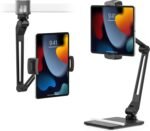 Key Features
- Fully adjustable arm
- Clamp and weighted desktop base included
- Premium aluminum construction
- 360° rotation
- Supports iPads and tablets up to 13 inches
- Height and angle adjustment
Pros
✔ Exceptional flexibility
✔ Premium build quality
✔ Excellent stability
✔ Perfect viewing angles
✔ Great for video calls
Cons
✘ Premium price
Why We Recommend It
The Twelve South HoverBar Duo is one of the most versatile tablet stands available. Its adjustable arm allows you to position your tablet exactly where you need it, helping maintain a neutral neck position during work, studying, or entertainment.
Its sturdy clamp and weighted base provide excellent stability, making it ideal for home offices, classrooms, and creative workspaces.
Best For: Professionals, artists, students, and remote workers.
Buy on Amazon
2. Lamicall Adjustable Tablet Stand – Best Value
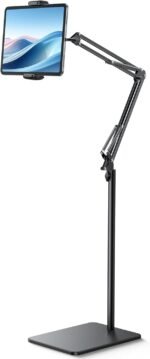 Key Features
- Foldable aluminum design
- Adjustable viewing angles
- Anti-slip silicone pads
- Compact and portable
- Supports tablets up to 13 inches
Pros
✔ Affordable
✔ Lightweight
✔ Durable aluminum
✔ Easy to carry
✔ Stable design
Cons
✘ Limited height adjustment
Why We Recommend It
The Lamicall Adjustable Tablet Stand offers premium quality at an affordable price. It folds flat for travel while providing a comfortable viewing angle that reduces neck strain during extended use.
Best For: Students and everyday users.
Buy on Amazon
3. AboveTEK Aluminum Tablet Stand – Best Premium Desktop Stand
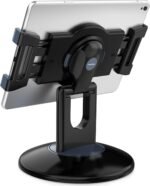 Key Features
- Heavy-duty aluminum body
- Fully adjustable hinge
- Wide stable base
- Anti-slip rubber padding
- Premium finish
Pros
✔ Very stable
✔ Smooth adjustment
✔ Excellent build quality
✔ Elegant appearance
✔ Supports larger tablets
Cons
✘ Less portable
Why We Recommend It
If your tablet stays on your desk most of the time, the AboveTEK stand offers exceptional stability and ergonomic positioning. It’s perfect for professionals, designers, and anyone who spends hours using a tablet.
Best For: Home office and workstation setups.
Buy on Amazon
4. UGREEN Tablet Stand – Best Portable Option
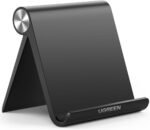 Key Features
- Foldable pocket-sized design
- Adjustable angle
- Lightweight construction
- Silicone protection
- Compatible with phones and tablets
Pros
✔ Extremely portable
✔ Budget-friendly
✔ Compact
✔ Strong hinge
✔ Great travel accessory
Cons
✘ Lower viewing height
Why We Recommend It
Whether you’re working in a coffee shop, attending lectures, or traveling, the UGREEN Tablet Stand is easy to carry and quick to set up. It provides a better viewing angle than resting your tablet on a table, helping reduce neck strain.
Best For: Travel and commuting.
Buy on Amazon
5. Amazon Basics Adjustable Tablet Stand – Best Budget Choice
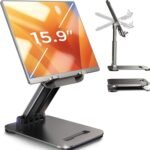 Key Features
- Adjustable viewing angles
- Lightweight plastic construction
- Foldable design
- Rubber grip pads
- Compatible with most tablets
Pros
✔ Affordable
✔ Easy to use
✔ Compact
✔ Lightweight
✔ Good value
Cons
✘ Plastic construction
Why We Recommend It
If you’re looking for a simple and inexpensive way to improve your posture, the Amazon Basics Adjustable Tablet Stand delivers reliable performance without costing much.
Best For: Casual users and beginners.
Buy on Amazon
How to Choose the Best Tablet Stand
1. Adjustability
Choose a stand with adjustable:
- Height
- Viewing angle
- Rotation
Greater adjustability allows you to position your screen at eye level and reduce neck strain.
2. Stability
A stable stand prevents wobbling while:
- Typing
- Drawing
- Watching videos
- Video conferencing
Heavy-duty aluminum models generally provide the best stability.
3. Portability
Students and travelers should look for:
- Foldable designs
- Lightweight construction
- Compact size
These features make it easier to carry the stand in a backpack or laptop bag.
4. Build Quality
Premium tablet stands often feature:
- Aluminum alloy
- Reinforced hinges
- Silicone anti-slip pads
- Scratch-resistant finish
Quality materials improve durability and long-term performance.
5. Compatibility
Make sure your stand supports your device size.
Most quality stands fit:
- iPad Mini
- iPad Air
- iPad Pro
- Samsung Galaxy Tab
- Amazon Fire Tablets
- Lenovo Tablets
- Microsoft Surface (select models)
How Tablet Stands Help Prevent Tech Neck
Tech neck develops when you repeatedly bend your head forward to view a screen. Since the average adult head weighs around 10–12 pounds, tilting it forward significantly increases the load placed on your neck and upper back.
Using a tablet stand helps by:
- Raising the display closer to eye level
- Reducing forward head posture
- Improving spinal alignment
- Decreasing shoulder tension
- Encouraging better sitting habits
- Reducing fatigue during long sessions
For the best results, pair your tablet stand with an external Bluetooth keyboard and mouse when working for extended periods.
Additional Ergonomic Tips
To further reduce neck and back strain:
- Keep the top of your screen at or slightly below eye level.
- Sit with both feet flat on the floor.
- Relax your shoulders while using your device.
- Follow the 20-20-20 rule to reduce eye strain.
- Take a short standing or stretching break every hour.
- Maintain proper lighting to minimize glare.
Frequently Asked Questions
Do tablet stands really help with posture?
Yes. A tablet stand elevates your device to a more comfortable viewing height, helping reduce forward head posture and minimizing neck and shoulder strain.
Can a tablet stand prevent tech neck?
A quality tablet stand can significantly reduce the risk of tech neck by encouraging better posture, especially when combined with regular movement breaks and an ergonomic workspace.
Which tablet stand is best for students?
The Lamicall Adjustable Tablet Stand is an excellent choice thanks to its affordability, portability, and sturdy design.
Are aluminum tablet stands better?
Generally, yes. Aluminum stands are more durable, stable, and resistant to wear than plastic models.
Can I use a tablet stand for drawing?
Absolutely. Adjustable stands like the Twelve South HoverBar Duo and AboveTEK Aluminum Stand provide excellent positioning for artists and designers.
Final Verdict
If you spend several hours using a tablet each day, investing in an ergonomic tablet stand is one of the easiest ways to improve your posture and reduce the risk of tech neck.
Our top recommendations are:
🏆 Best Overall: Twelve South HoverBar Duo
💰 Best Value: Lamicall Adjustable Tablet Stand
💼 Best Premium: AboveTEK Aluminum Tablet Stand
✈️ Best Portable: UGREEN Tablet Stand
💲 Best Budget: Amazon Basics Adjustable Tablet Stand
With the right tablet stand and a few ergonomic habits, you can create a more comfortable, healthier workspace while protecting your neck, shoulders, and back.
Amazon Product Links
1. Twelve South HoverBar Duo
https://www.amazon.com/s?k=Twelve+South+HoverBar+Duo
2. Lamicall Adjustable Tablet Stand
https://www.amazon.com/s?k=Lamicall+Tablet+Stand
3. AboveTEK Aluminum Tablet Stand
https://www.amazon.com/s?k=AboveTEK+Tablet+Stand
4. UGREEN Tablet Stand
https://www.amazon.com/s?k=UGREEN+Tablet+Stand